
PS5 Players Must Install Latest System Update to Play GTA 6
The 1.2GB firmware applies to every PS5 including the Pro, and Sony's patch notes only mention security fixes. A PlayStation Network outage on November 18 added to the launch-eve worry.
Sony has made its latest PlayStation 5 system software update mandatory for Grand Theft Auto VI. Players must install firmware version 26.07-14.23.00 before they can launch Rockstar Games' long-awaited open-world title.
The requirement was confirmed on November 18, just ahead of the game's November 19 release. It comes as PlayStation Network experienced service disruptions, raising concerns among players preparing for one of gaming's biggest launches.
Latest PS5 Update Is Required to Launch GTA 6
Sony released firmware version 26.07-14.23.00 on November 17, bringing another round of security fixes to the PS5. The company later confirmed that the update was required to play GTA 6 and advised players to install it before launch.
The update is approximately 1.2GB and applies to PS5 consoles, including the PS5 Pro. Players who have already downloaded the game must also make sure their system software is up to date.
The requirement applies only to PlayStation 5 consoles, not Xbox Series X|S.
Sony's official patch notes only mention security improvements, without explaining why the new firmware is specifically required for GTA 6.
How to Install the Required PS5 Update

Players can check their firmware version by opening Settings on the PS5 and selecting System, followed by System Software and System Software Update and Settings.
If an update is available, they can select Update System Software to download and install it. Consoles with automatic updates enabled may already have the necessary files, although the installation must be completed before launching the game.
Sony also offers a USB installation option through its official support website for players unable to update their consoles normally.
PlayStation Network Disruptions Hit Ahead of GTA 6 Launch
PlayStation Network experienced service problems on November 18, shortly before the game's release. Hundreds of users reported difficulties signing in and accessing online features. Sony acknowledged the disruption through its official service status page, warning that players could have trouble launching games, using apps or accessing network features.
The disruption added uncertainty for players preparing to download or launch GTA 6, particularly those relying on PlayStation's online services.
PlayStation Network services were restored following the disruption, with Sony's status page showing normal operation again on November 19. The company has not linked the outage to the new PS5 firmware update.

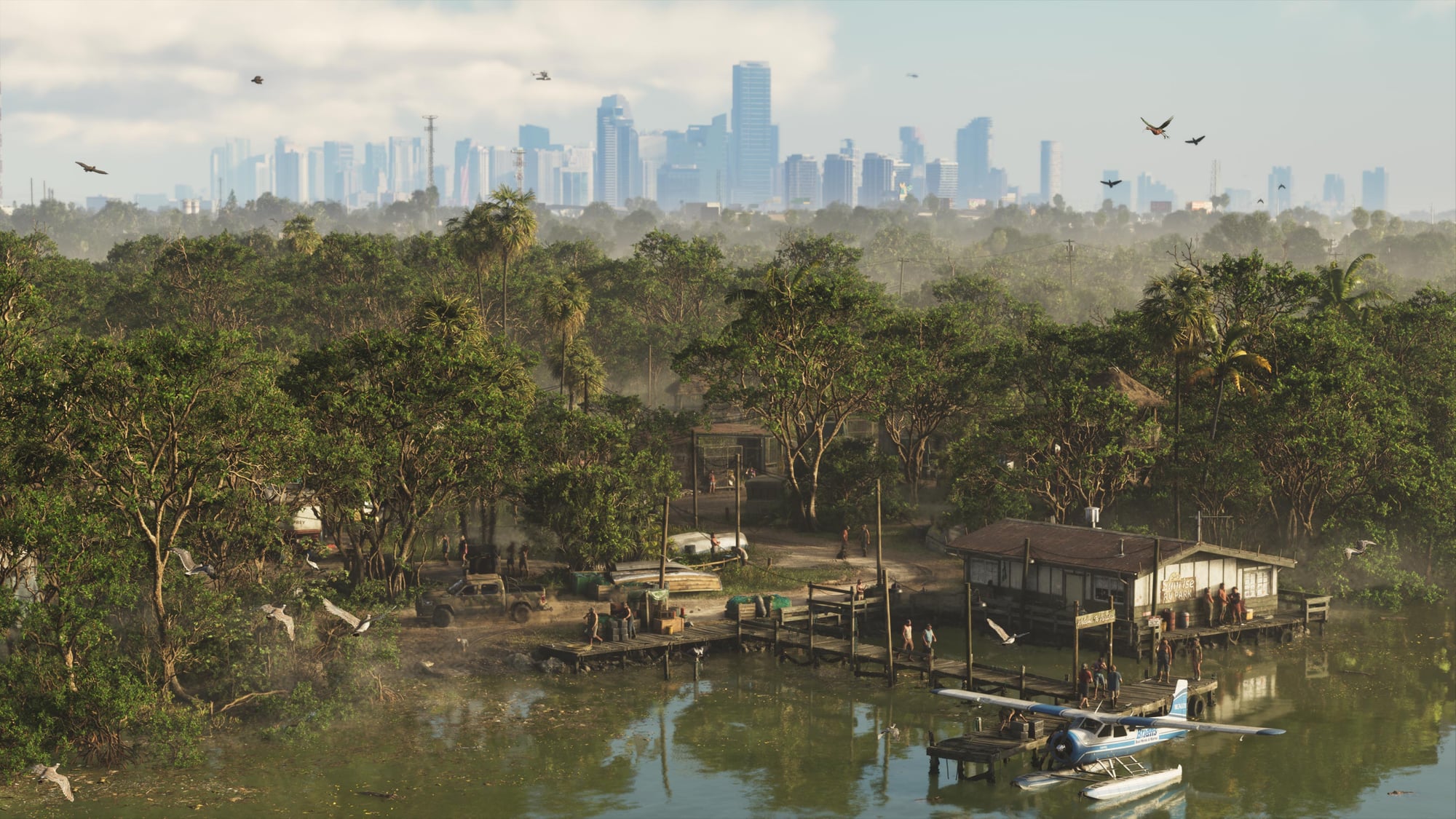
Grand Theft Auto VI heads to the state of Leonida, home to the neon-soaked streets of Vice City and beyond in the biggest, most immersive evolution of the Grand Theft Auto series yet.


