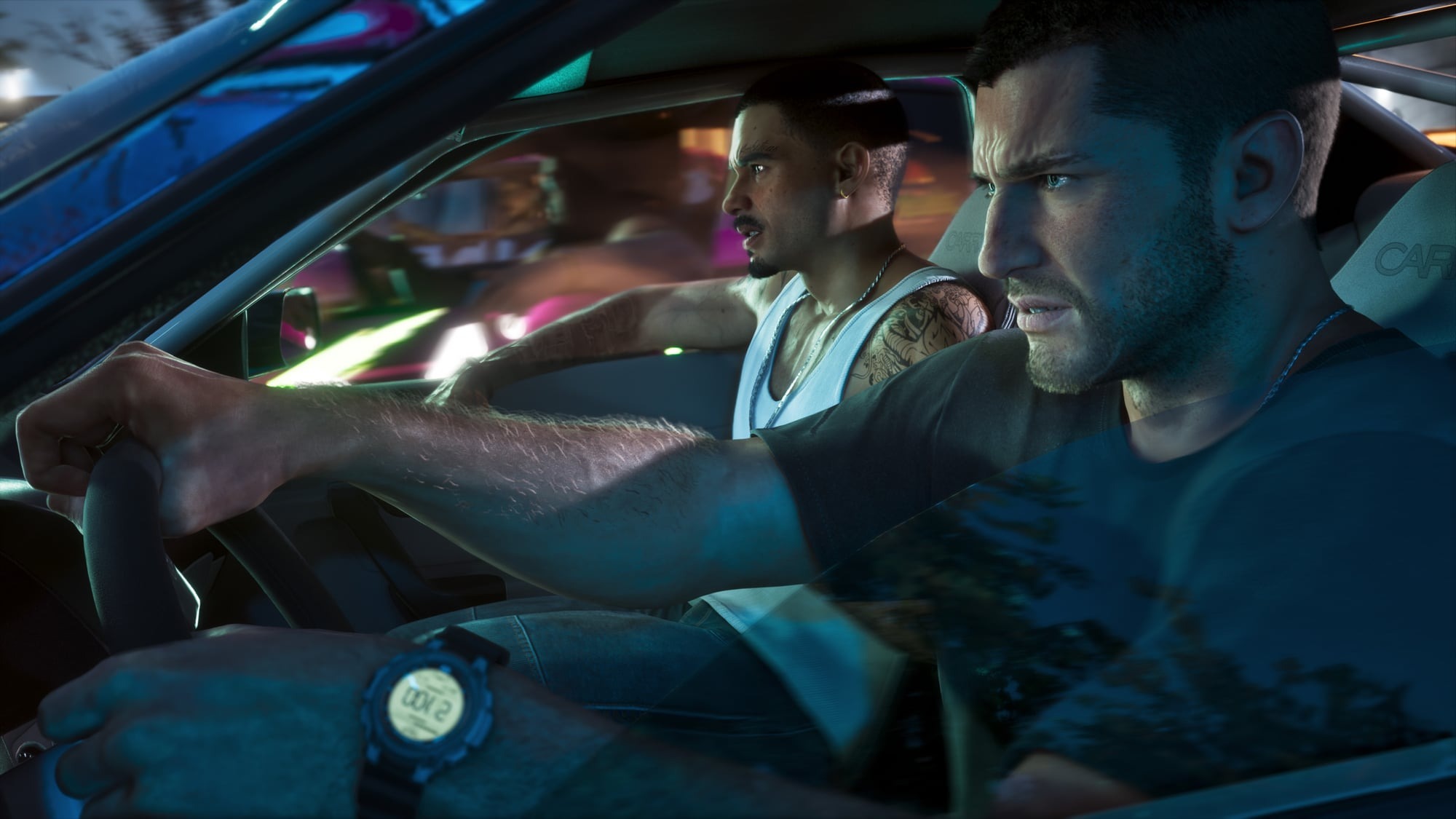
GTA 6 Cloud Gaming: Up to 15 Hours a Month, Plus Remote Play
Select Game Pass plans include up to 15 cloud play hours a month for Grand Theft Auto VI, and Xbox Series X|S owners can stream it with Remote Play.
Xbox has published a how-to for playing Grand Theft Auto VI (GTA 6) through Xbox Cloud Gaming and Remote Play, in an Xbox Wire post dated November 23, 2026. The post puts numbers on cloud play time: select Game Pass plans include a monthly allotment of up to 15 play hours, and players can buy more cloud playtime if they need it. It also explains how to stream the game from an Xbox Series X|S console to a phone, laptop, PC or handheld gaming PC. A copy of the game from the Xbox Store is required for both options.
Cloud play works on Xbox One as well as Xbox Series X|S, so players without a current-generation console can still run the game, while Series X|S owners can stream it to save hard drive space. Remote Play is a separate route that needs a Series X|S console, because it streams that console's own gameplay to another device. Below is what each option involves, from play hours to the menu steps. For the game itself, see our Grand Theft Auto VI page.
Select Game Pass plans include up to 15 cloud play hours a month

According to Xbox, select Game Pass plans include a monthly allotment of up to 15 play hours for cloud streaming. Players who need more can buy additional cloud playtime. Xbox describes this as a way to experience one of the biggest games of the year on the consoles they already own. The post does not say which Game Pass plans carry the allotment or how the 15 hours are counted.
Both Xbox One and Xbox Series X|S can stream Grand Theft Auto VI, and the post notes that Series X|S owners may prefer the cloud if they want to save hard drive space. The game uses Xbox Series S graphics settings when it is cloud-streamed, the same detail Xbox gave when it announced cloud support. Xbox says a copy of the game from the Xbox Store is required for both cloud play and Remote Play.
Start a GTA 6 cloud session from the Xbox guide in three steps
The post frames these steps as the way to start a cloud session using the controllers connected to your console. From an Xbox Wireless Controller, press the Xbox button to open the guide, then search for Grand Theft Auto VI. Select the Manage button and then See in Microsoft Store. From the store listing, select Play With Cloud to begin the session.
Connection quality matters for cloud play. Xbox says that when possible, a wired Ethernet cable is the best option for gaming quality. Even a wireless network with high bandwidth can occasionally have a dip in audio and video quality. The post does not give a minimum internet speed or a resolution target for the stream.
Remote Play streams GTA 6 from a Series X|S to phones, PCs and ROG Ally
Remote Play works differently: it streams gameplay directly from your Xbox Series X|S to a device you already own. Xbox lists mobile phones, laptops, PCs and handheld gaming PCs such as the Xbox ROG Ally. The console has to be set up first. On the Series X|S, go to Settings, then Devices & connections, then Remote features, and check the box to enable remote features.
Xbox also lists an optional step. From the same menu, select Test remote play to get a sense of the quality you can expect from your connection. After that, the steps depend on the device. On a mobile device, open play.xbox.com/remoteplay in your browser, select the console you want to connect to and choose Remote Play on This Device.
On a PC or an Xbox ROG Ally, open the Xbox app on PC, click your profile icon in the top right and go to Accessories & remote play. From there, select Remote play from the console you want to play from. The post names Xbox Series X|S as the source console and does not mention Xbox One for Remote Play.

What the Xbox post does not say about GTA 6 cloud and Remote Play
The post does not name the Game Pass plans that include the 15 hours, the price of extra cloud playtime or the markets where cloud play is available. It gives no resolution, frame rate or minimum internet speed for either cloud streaming or Remote Play. Xbox's earlier cloud announcement said that availability, purchasing options, supported devices, account eligibility and features may vary by market and device.
What the post does confirm is that the Xbox Store copy of the game is the one thing both options need, and that setup is a few menu steps either way. Our report on Xbox Cloud Playtime pricing covers the packs Microsoft tested with Xbox Insiders in October. We will update this story if Xbox adds details on supported plans or markets.
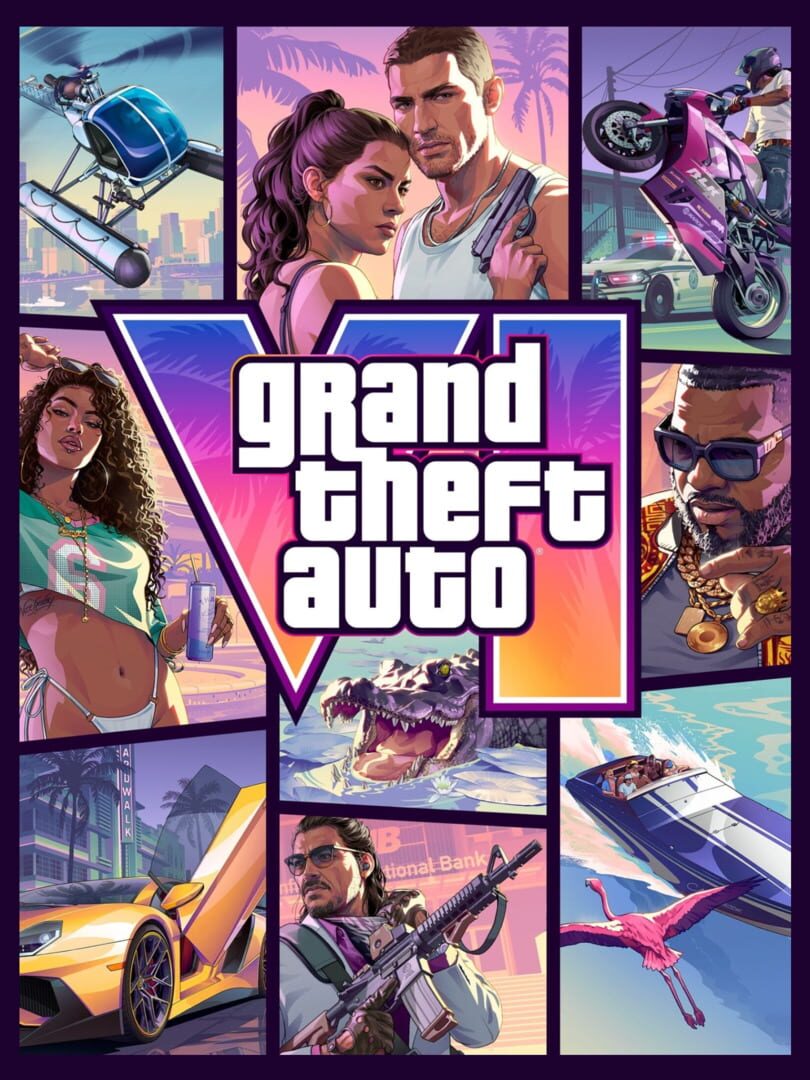
Grand Theft Auto VI heads to the state of Leonida, home to the neon-soaked streets of Vice City and beyond in the biggest, most immersive evolution of the Grand Theft Auto series yet.


