
PS5 Update Required to Play GTA 6 Before Launch
Sony has made a PS5 system software update mandatory for GTA 6, requiring players to install the latest firmware before launching the game.
PlayStation Support confirmed that PS5 owners must install a system software update before they can play Grand Theft Auto VI, which launched on November 19. Sony announced the requirement on X two days before release, warning that the update was necessary even for players who had already pre-loaded Rockstar's game.
The required update, version 26.07-14.23.00, was released on November 17. Sony's official patch notes mention security fixes but do not explain why the update is specifically required for GTA VI. With the game now available, PS5 players who are having trouble launching it should check their system software first. Here's how to install the update and confirm that your console is ready.
What PlayStation Support says about the update

Sony announced the requirement through its official PlayStation Support account on X on November 18, urging players to install the latest PS5 firmware before GTA VI's midnight launch. PlayStation Support accounts in Japan, France and Spain shared the same warning, confirming that the requirement applied internationally.
The update, version 26.07-14.23.00, was released on November 17 and is approximately 1.2 GB. According to PlayStation's official system software page, it contains security fixes, with no additional features or improvements mentioned in the patch notes.
Sony has not explained why this particular firmware version is necessary for GTA VI. The update was the third PS5 system software release within a month, following two earlier security-related updates. Despite its timing, the official patch notes make no reference to Rockstar's game or any changes specifically designed for its launch.
The requirement applies to both standard PS5 and PS5 Pro consoles, regardless of whether GTA VI was purchased digitally or pre-loaded before release.
How to install it before launch
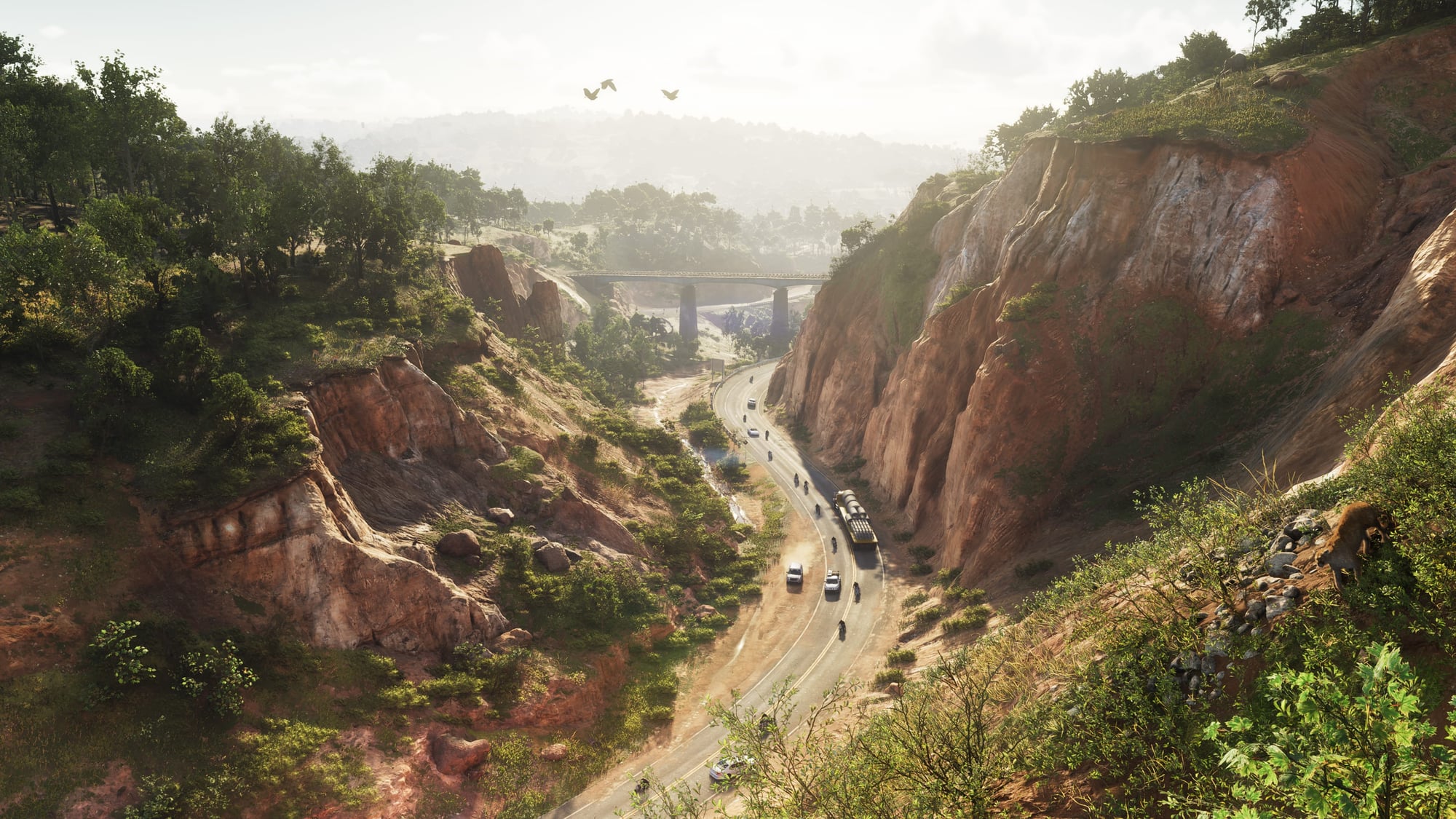
If you haven't updated your PS5 since November 17, check your system software before launching GTA VI. The update can be installed directly from your console in a few steps.
- Open Settings from the PS5 home screen
- Select System > System Software
- Open System Software Update and Settings
- Select Update System Software, followed by Update Using Internet
- Follow the on-screen instructions and allow your PS5 to restart
To confirm the update was installed, go to Settings > System > System Software > Console Information. The system software version should show 26.07-14.23.00 or newer.
If automatic updates are enabled, your PS5 may already have installed the firmware. Remember that the system update is separate from GTA VI's game files, so having the game pre-loaded does not necessarily mean your console is up to date.
If the installation fails, restart your console and check your internet connection. Sony also provides instructions for updating via USB on its PS5 system software support page.
What to do if GTA VI still won't launch on PS5
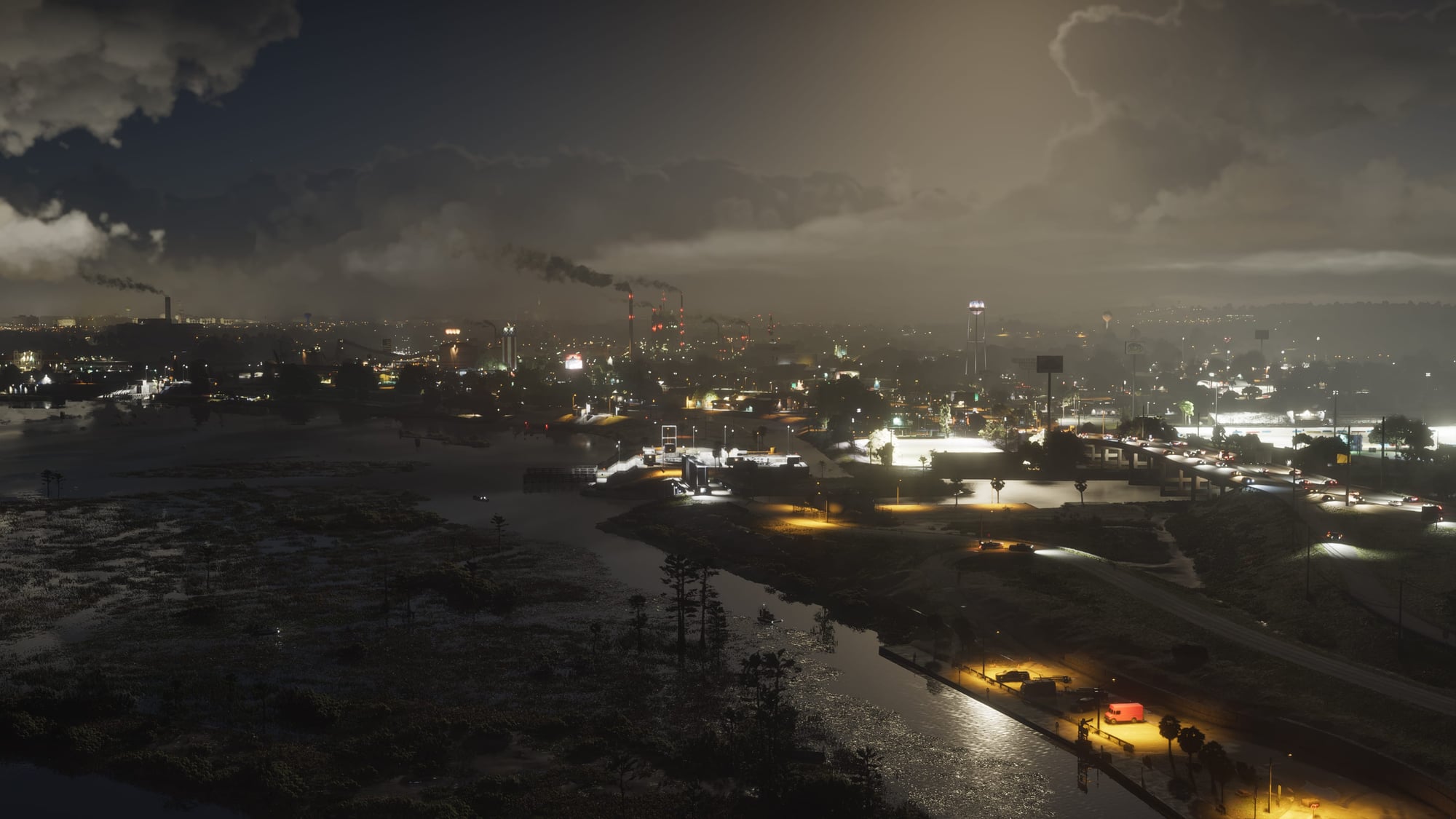
The game requires up to 212 GB of storage, and pre-loading began on November 10. Players who downloaded it before release must still have the required PS5 system software installed, along with any available game updates.
If GTA VI refuses to start after updating your console, highlight the game on your PS5 home screen, press the Options button and select Check for Update. If everything is current, restart your console and try launching the game again. A padlock icon may indicate a licensing problem, which can sometimes be resolved by restoring your game licenses.
Sony's official troubleshooting guide also recommends checking PlayStation Network's service status, particularly if you're having trouble accessing a digitally purchased game. If the problem continues, the guide provides additional recovery steps.

What we still don't know
Sony has not announced any GTA VI-specific improvements in system software version 26.07-14.23.00. The official patch notes mention security fixes, while neither Sony nor Rockstar has explained why this particular update is required to play the game.
There is also no indication that the firmware improves GTA VI's frame rate, graphics or stability. Any changes to the game itself would require a separate update from Rockstar. For now, Sony's announcement establishes a requirement for launching GTA VI on PS5, without revealing what prompted it.
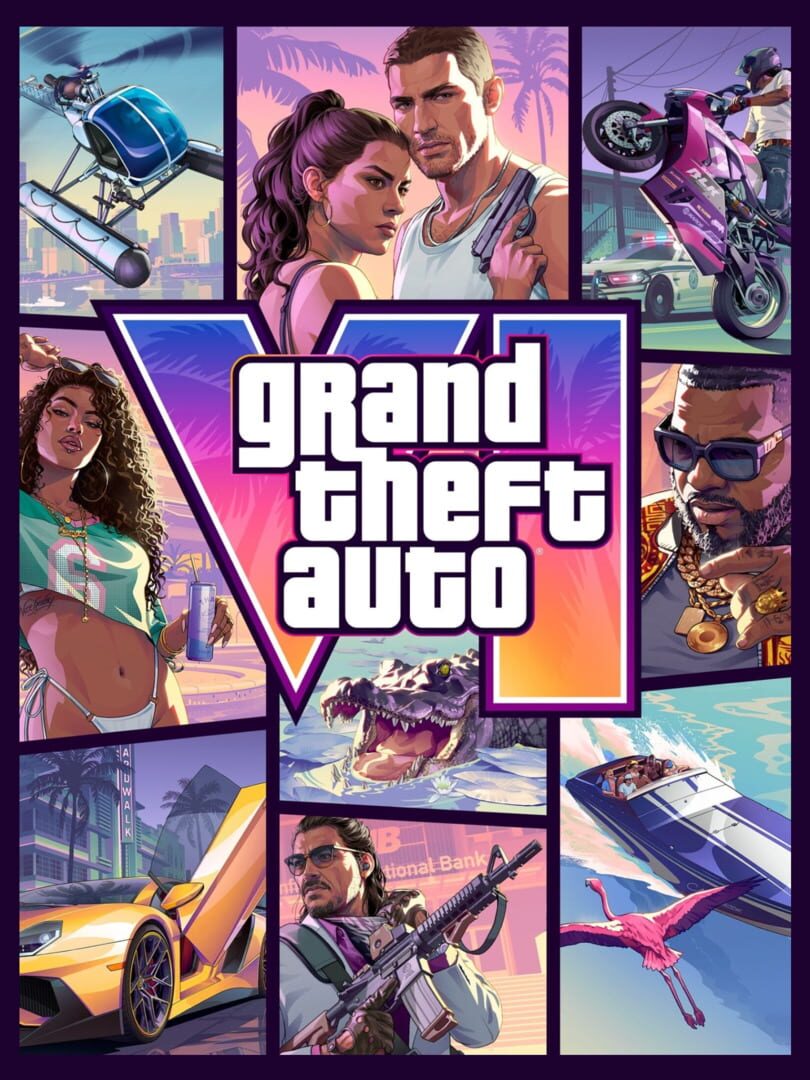
Grand Theft Auto VI heads to the state of Leonida, home to the neon-soaked streets of Vice City and beyond in the biggest, most immersive evolution of the Grand Theft Auto series yet.


