
Everything you need to know about the Steam Machine
Valve's Steam Machine starts at $1,049. Here's everything to know about its specs, performance, SteamOS, controller, ports, Windows support and upgrades.
Valve's Steam Machine is a compact gaming PC made for the living room. Plug it into a television, sign in with your Steam account and your existing library comes with you. It runs SteamOS by default, works with regular PC controllers and uses a custom AMD CPU and GPU inside a box only a little over six inches wide.
The starting price of $1,049 makes it a very different proposition from a traditional console, though. Performance, game compatibility and the hardware you are actually getting become much more important at that price.
On this page, we'll go through everything worth knowing about the Steam Machine, including its price, specs, real-world performance, SteamOS compatibility, controller support, ports, Windows support and what you can upgrade later.
This Is What The Steam Machine Costs
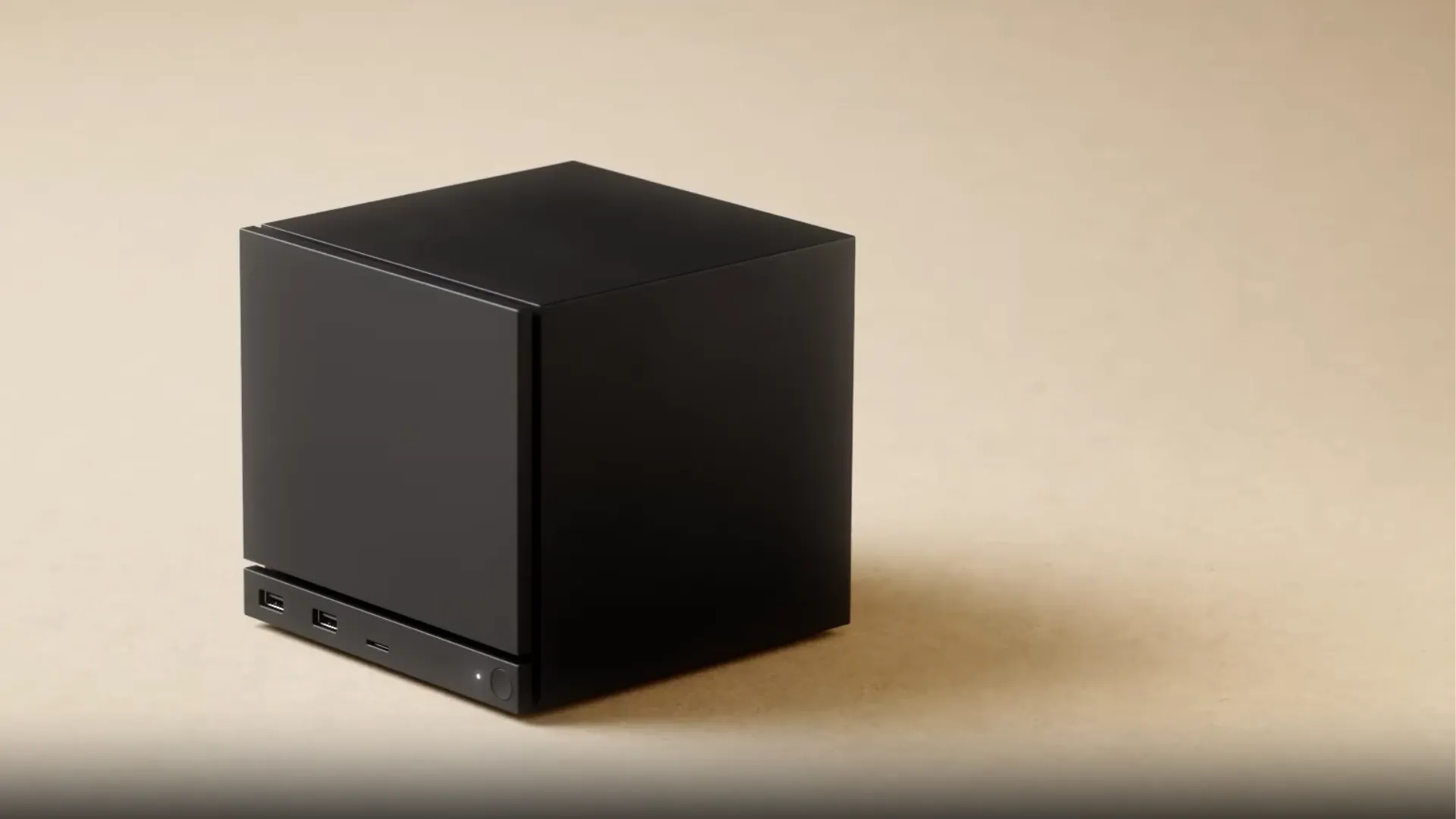
The Steam Machine starts at $1,049 for the 512GB model, with the 2TB version priced at $1,349. Both use the same CPU and GPU, so the extra money goes towards storage rather than better performance.
Valve's new Steam Controller costs $99 on its own, but it is slightly cheaper when bought together with a Steam Machine. The 2TB model also comes with two extra magnetic faceplates.
| Model | US price | European price |
|---|---|---|
| Steam Machine 512GB | $1,049 | €1,039 |
| 512GB + Steam Controller | $1,128 | €1,108 |
| Steam Machine 2TB | $1,349 | €1,359 |
| 2TB + Steam Controller | $1,428 | €1,428 |
A PC built for the living room
The Steam Machine runs SteamOS 3 and uses the same Steam account as your other devices. Once you sign in, you can download the games you already own, and supported titles can carry Steam Cloud saves between the Machine, Steam Deck and another PC.
SteamOS opens in Gaming Mode, the same controller-friendly interface used on Steam Deck. From there, you can browse your library, visit the Store, manage downloads, adjust controller settings and handle most everyday system options without touching a desktop.
Every Steam Machine also uses the same CPU and GPU. That gives Valve one fixed hardware target to work with, rather than the huge range of configurations found across normal gaming PCs.
It also means SteamOS can be tuned more specifically for the Machine. Games default to 1080p even when you connect it to a 4K television, although you can change that setting yourself.
You still have the flexibility of a PC when you want it. A keyboard and mouse can be connected, Desktop Mode lets you install other applications, and SteamOS can be replaced with another operating system.
Inside the Steam Machine specs
Valve has built the Steam Machine around a six-core AMD Zen 4 CPU and a separate semi-custom RDNA 3 GPU. Unlike Steam Deck, the GPU has its own dedicated graphics memory rather than sharing the same pool with the CPU.
The full hardware setup looks like this:
| Component | Specification |
|---|---|
| CPU | Semi-custom AMD Zen 4 |
| Cores / threads | 6 / 12 |
| CPU clock | Up to 4.8GHz |
| CPU power | 30W |
| GPU | Semi-custom AMD RDNA 3 |
| Compute Units | 28 |
| GPU clock | Up to 2.45GHz sustained |
| GPU power | 110W |
| VRAM | 8GB GDDR6 |
| System RAM | 16GB DDR5-5600 |
| Storage | 512GB or 2TB NVMe SSD |
| Expansion | microSD |
| Power supply | Internal 300W |
| Operating system | SteamOS 3 |
The 8GB of GDDR6 VRAM is separate from the 16GB of system RAM and gives the GPU its own memory for textures and other graphics data. That should be enough for most games at Valve's 1080p target, but higher resolutions, heavier texture settings and ray tracing can push against that limit more quickly.
The GPU itself is a custom Valve and AMD design, so it should not be treated as a rebadged RX 7600 or another retail Radeon card. It uses the same RDNA 3 architecture, but the clocks, power limits and overall configuration are different.
Storage comes in either 512GB or 2TB, with a microSD slot available for extra space. Both versions otherwise use the same core hardware.
Storage And Memory Are Replaceable
The CPU, GPU and 8GB of VRAM are fixed. This means you can't upgrade the Steam Machine with a faster processor or graphics card later.
Storage and system memory are replaceable, though. The NVMe SSD is relatively easy to access, while reaching the DDR5 SODIMM slots requires more disassembly. You can also add extra storage through the microSD slot without opening the Machine at all.
So while you can expand storage or add more RAM later, the hardware that determines gaming performance stays the same.
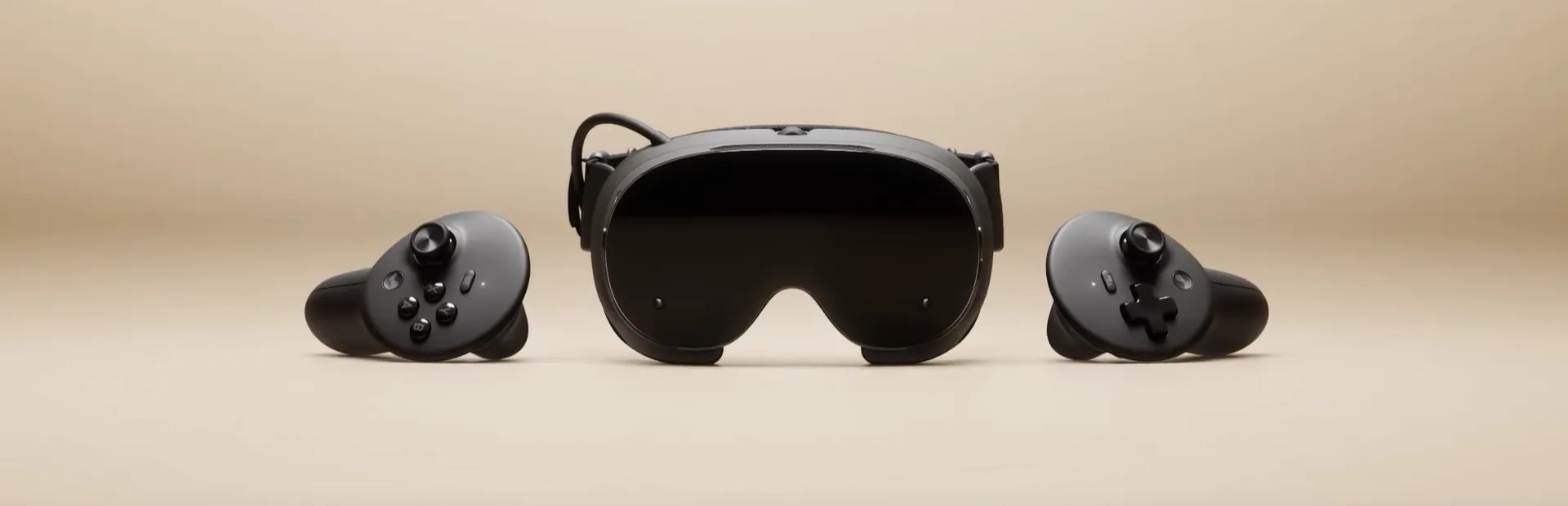
Steam Machine performance is built around 1080p first
Valve says the Steam Machine is roughly six times more powerful than Steam Deck. A big part of that jump comes from the dedicated GPU, which gets its own 8GB of VRAM and a much larger power budget than Valve's handheld.
That extra power does not make this a 4K powerhouse, though. Valve uses 1080p as the starting point, and a game needs to hit at least 30 FPS at that resolution to qualify for Steam Machine Verified.
In practice, many games can go well beyond that minimum. GamersNexus recorded 52 FPS in Dragon's Dogma 2 at 1080p, while Kingdom Come: Deliverance II reached 50 FPS and Black Myth: Wukong came in at 43.9 FPS. Depending on the game, the Steam Machine generally performed somewhere around desktop cards such as the Radeon RX 6600, Intel Arc B570 and GeForce RTX 3060.
Those cards are useful reference points, but none is a direct match for Valve's custom GPU. Performance moves around from game to game, as you would expect on PC.
Ray tracing is where the limits become much easier to see. In the same tests, frame rates dropped sharply once heavier ray-traced effects were enabled, so newer games will often need lower settings, upscaling or both if you want to use them.
4K Depends On The Game And Upscaling
The Steam Machine can output to a 4K television, but that does not mean every game will run at native 4K. Modern AAA games will often need a lower internal resolution to keep performance at a playable level.
That is where AMD's FidelityFX Super Resolution comes in. FSR lets a game render at a lower resolution and then reconstructs the image for a higher-resolution display, which reduces the load on the GPU.
How much you need it depends on the game. Older titles and less demanding releases have much more room to push beyond 1080p, while newer games already running around 40 or 50 FPS at 1080p will need bigger compromises.
For most recent AAA games, 1080p is still the more realistic starting point. Higher resolutions are possible, but they will depend heavily on the game, settings and how much upscaling you are willing to use.
The New Steam Controller Brings Steam Deck Inputs To The Sofa
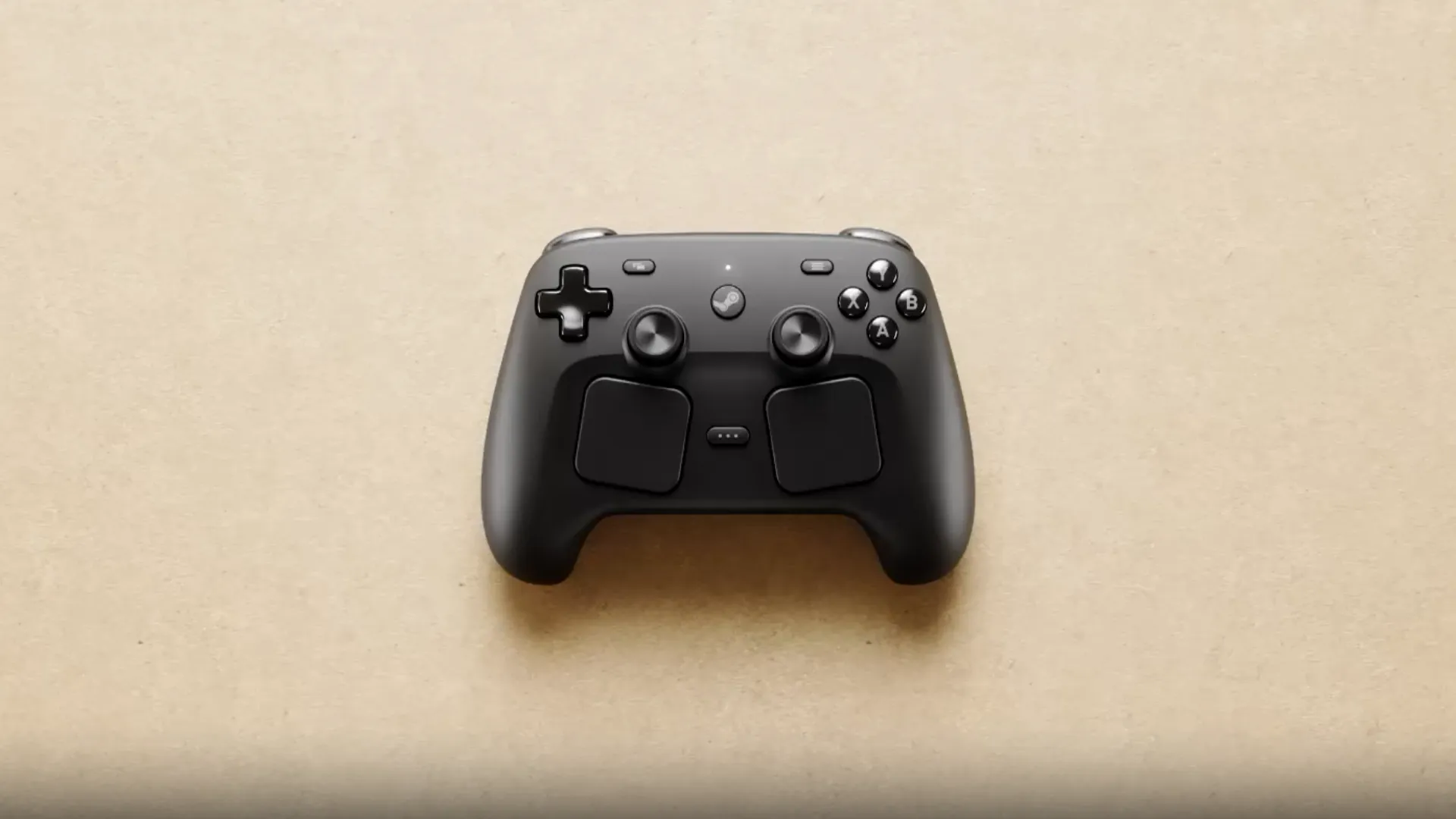
Valve's Steam Controller is optional. You can also use compatible Xbox, PlayStation and other USB or Bluetooth controllers, while Valve's own $99 pad adds trackpads, gyro controls and other Steam Deck-style inputs.
The main controller specs look like this:
| Feature | Specification |
|---|---|
| Thumbsticks | 2× TMR sticks |
| Trackpads | 2× haptic trackpads |
| Rear buttons | 4 |
| Motion controls | Six-axis gyro |
| Grip sensors | Capacitive Grip Sense |
| Haptics | Yes |
| Connectivity | USB-C, Bluetooth, 2.4GHz wireless |
| Battery life | 35+ hours |
| Customization | Steam Input |
Useful extra inputs for PC gamers
One of the biggest differences from a regular console controller are the trackpads. They can handle mouse-style input in strategy games, older PC releases and other games that were never designed around analogue sticks. Steam Input also lets you remap the trackpads, buttons, sticks and gyro for individual games.
Valve uses TMR sensing for both thumbsticks. Instead of relying on the physical-contact mechanism found in traditional potentiometer sticks, TMR measures changes in a magnetic field. This reduces one source of mechanical wear and is designed to provide more consistent stick tracking.
Grip Sense adds another option for gyro controls. Capacitive sensors in the handles can detect when you are holding the controller, allowing the gyro to activate or deactivate without assigning that function to another button.
The Steam Machine already has Valve's wireless receiver built in, so you do not need a separate receiver when using the two together.
SteamOS Handles Most Of The PC Work In The Background
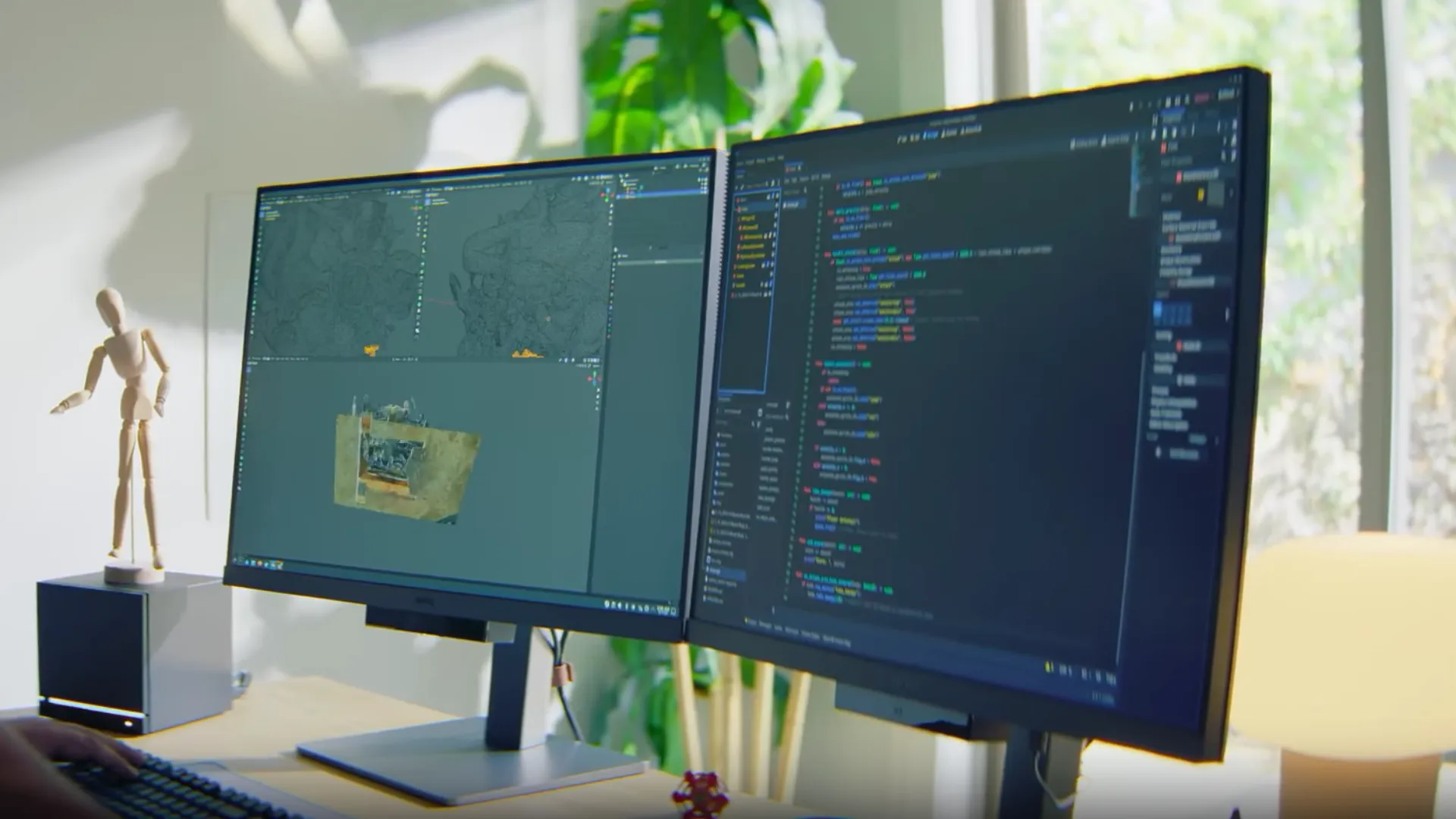
SteamOS makes the Steam Machine feel much closer to a console than a normal Windows PC. Gaming Mode handles downloads, updates, the Store, controller settings, storage and display options through the same interface already used on Steam Deck.
The main question is game compatibility. Most PC games are still built for Windows, while SteamOS runs on Linux. To bridge that gap, Valve uses Proton. This allows many Windows games to run without needing a separate Linux version. In most cases, you can simply install the game from your library and start playing.
Valve checks controller support, launchers, input prompts and performance as part of Steam Machine Verified. Any game already Verified for Steam Deck automatically qualifies for Steam Machine as well, while more demanding titles can still be approved separately because the Machine has more powerful hardware.
Some Games Still Need Windows
Not every game works through Proton. Anti-cheat is still one of the biggest problem areas, especially when support depends on the developer.
Common issues include:
- Easy Anti-Cheat games that have not enabled Proton support
- BattlEye titles without Linux support
- Other anti-cheat systems that only work properly on Windows
If a game or application you need falls into one of those categories, you can still install Windows. Valve provides Windows drivers for the Steam Machine, allowing you to run games and software that do not work properly through SteamOS or Proton.
Dual booting is not ready yet, so installing Windows currently means replacing SteamOS rather than keeping both operating systems on the same Machine.
The Six-Inch Design Still Has Desktop-Style Connectivity
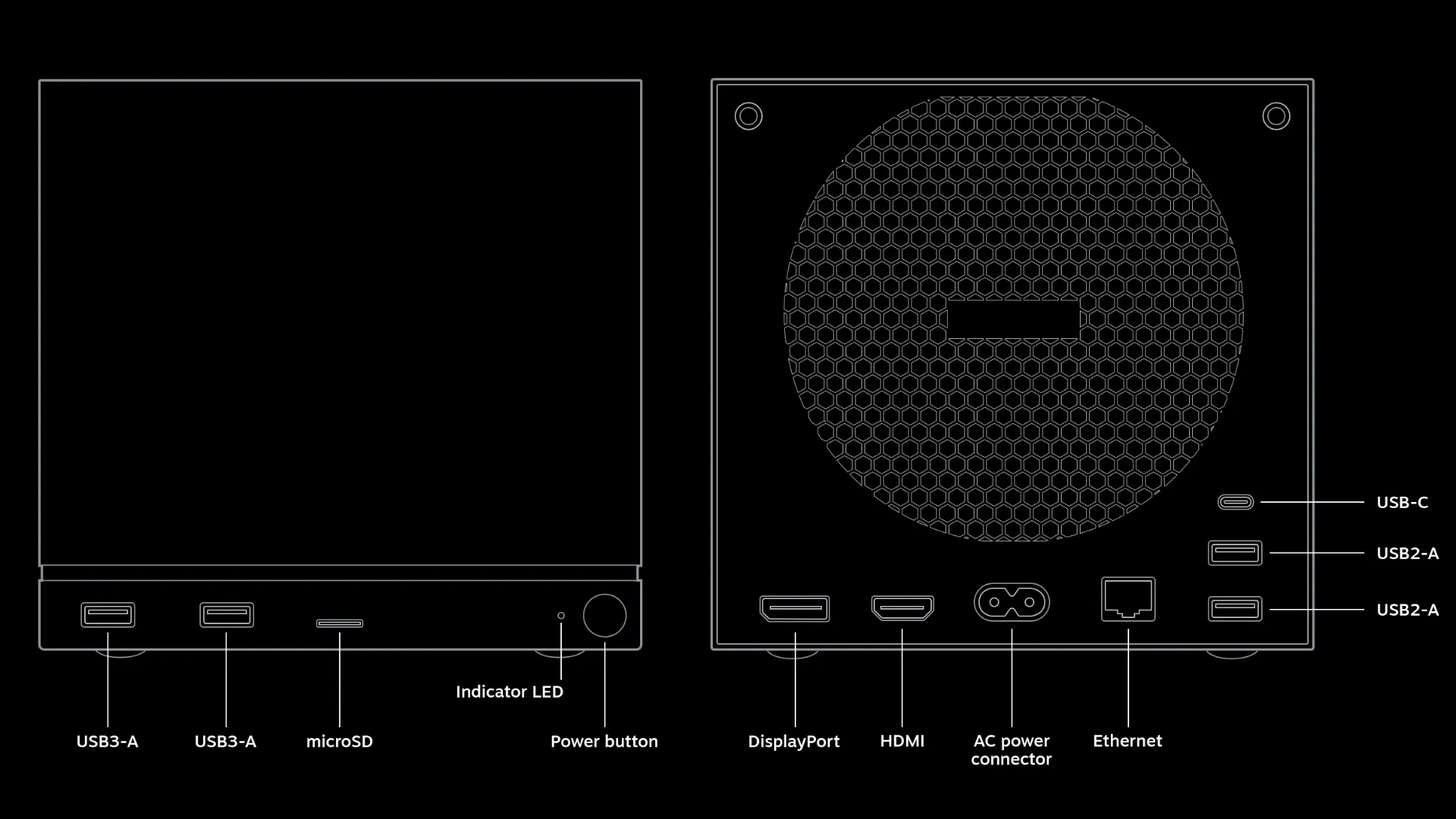
The Steam Machine measures roughly 152 × 156 × 162.4mm and weighs around 2.6kg, but Valve still fits the motherboard, cooling system and a 300W power supply inside the chassis. That means there is no external power brick to find space for behind your television.
Cooling is handled by a large internal fan, and noise levels stay fairly low. Testing puts the Machine at around 20 to 21dBA during gaming, rising to roughly 23 to 24dBA under a heavier sustained load.
For connectivity, you get two USB-A 3.2 Gen 1 ports and a microSD slot on the front. The rear adds two more USB-A ports, USB-C 3.2 Gen 2, HDMI 2.0, DisplayPort 1.4, Gigabit Ethernet and AC power, while Wi-Fi 6E, Bluetooth 5.3 and Valve's built-in controller receiver handle wireless connections.
HDMI-CEC is also supported, so waking the Steam Machine can switch on a compatible television at the same time.
Who The Steam Machine Is Really Built For
The Steam Machine is mainly aimed at PC gamers who want a more console-like experience without giving up the freedom of a PC.
You can connect it to your television, control most of SteamOS with a gamepad and start games straight from your library, much like you would on a console. At the same time, you keep your existing Steam games, supported cloud saves, Desktop Mode and the option to install Windows if you need it.
That combination will be most appealing if you already spend a lot of time on Steam but would rather play some of those games from the sofa than at a desk.
There are still trade-offs. The Steam Machine is primarily built around 1080p gaming, the GPU cannot be upgraded later and some games may still require Windows because of compatibility issues.
If maximum performance for $1,049 is your main priority, a regular gaming PC gives you more options. The Steam Machine is more about bringing the flexibility of PC gaming into a simpler living-room setup.
What The Steam Machine Adds Up To
The Steam Machine brings SteamOS, a fixed AMD hardware setup and your existing Steam library into a compact box designed for the television. It starts at $1,049, targets 1080p first, supports FSR for higher resolutions and gives you replaceable storage and memory even though the CPU and GPU stay fixed.
SteamOS keeps most of the experience controller-friendly, while Proton allows many Windows games to run without requiring a separate Linux version. Compatibility is not universal, though, and some games may still need Windows.
The new Steam Controller is optional, standard Xbox and PlayStation controllers are supported, and the Machine itself stays small and quiet enough for a permanent living-room setup.
Taken together, the Steam Machine sits somewhere between a console and a traditional gaming PC: easier to use from the sofa than most PCs, but still open enough to keep the flexibility that comes with Steam.
Tagged In
Discussion
0We want to hear from you. Share your perspective in the comments below, and please keep the conversation respectful.
Log in to join the discussion - vote, reply, and share your take.
Log In