Splatoon Raiders Update Fixes Its Most Confusing Menu Option
Splatoon Raiders Version 1.1.1 fixes the confusing Tank Limiter input and addresses several combat, interface, and crash issues.
Splatoon Raiders has received a useful update that fixes one of its most confusing menu choices. Players no longer need to hold the A Button to release a Tank Limiter. This removes a confusing input that made the progression screen look broken when it was actually waiting for a longer press.
The problem stood out because almost every nearby menu option worked with a normal tap. Players could reach the point where a limiter was ready to release, press A, and see nothing happen. Nintendo had even published support guidance explaining the hold input before changing the control itself.
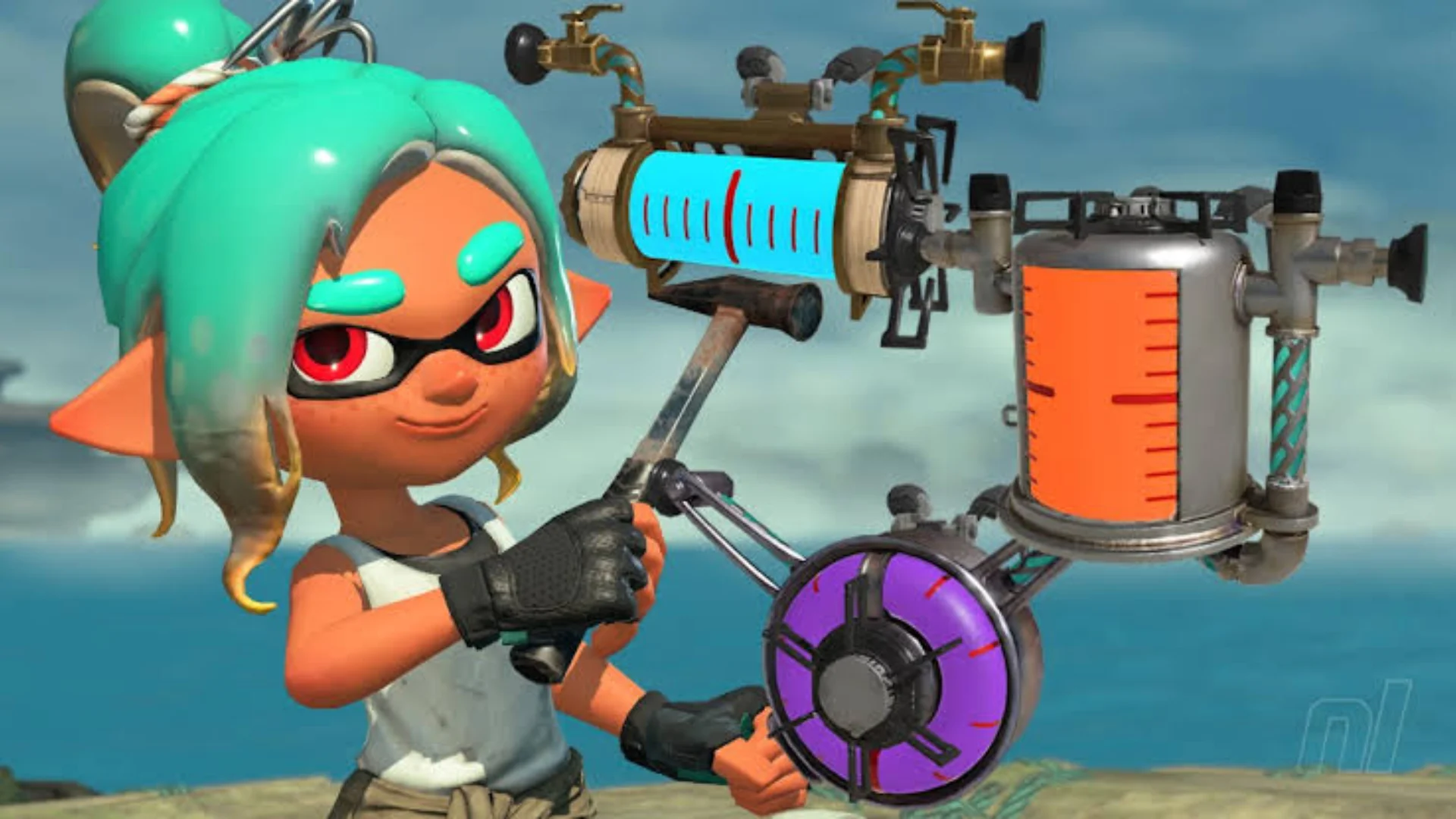
Tank Limiters set how many Skill Points players can place into one trait, such as health or weapon power. After enough points are spent across different categories, the limiter can be released. Doing this raises the cap and gives players more ways to improve the Tank as they want.
Pressing A often did nothing, even when the option looked ready. Players had to hold the button instead. That felt out of place beside menus that used a normal press for almost everything else.
Releasing a Tank Limiter now works with a regular A Button press, so players no longer have to remember a separate command for one progression option. The change does not alter how upgrades work. It simply removes an unnecessary step from a screen that players visit throughout the game.
Progression No Longer Feels Broken
The Tank upgrade system encourages players to spread Skill Points across several traits before investing heavily in one stat. Limiter caps slow progress, then open again after players make enough progress in other areas. The idea is easy to follow when the menu responds in the way players expect.
Before the fix, some players thought they had missed a requirement or found another bug. The release option looked ready, but pressing the button normally did nothing. Nothing about the surrounding menu suggested that holding A was necessary. A basic upgrade choice could make it feel like progress had suddenly stopped.
Using the same input style across the menu removes that confusion without adding another tutorial or warning. Players can spend more time deciding which traits they want to improve instead of remembering one unusual control. For a system used repeatedly, that small adjustment should make upgrading the Tank much less frustrating.
Version 1.1.1 Fixes More Problems
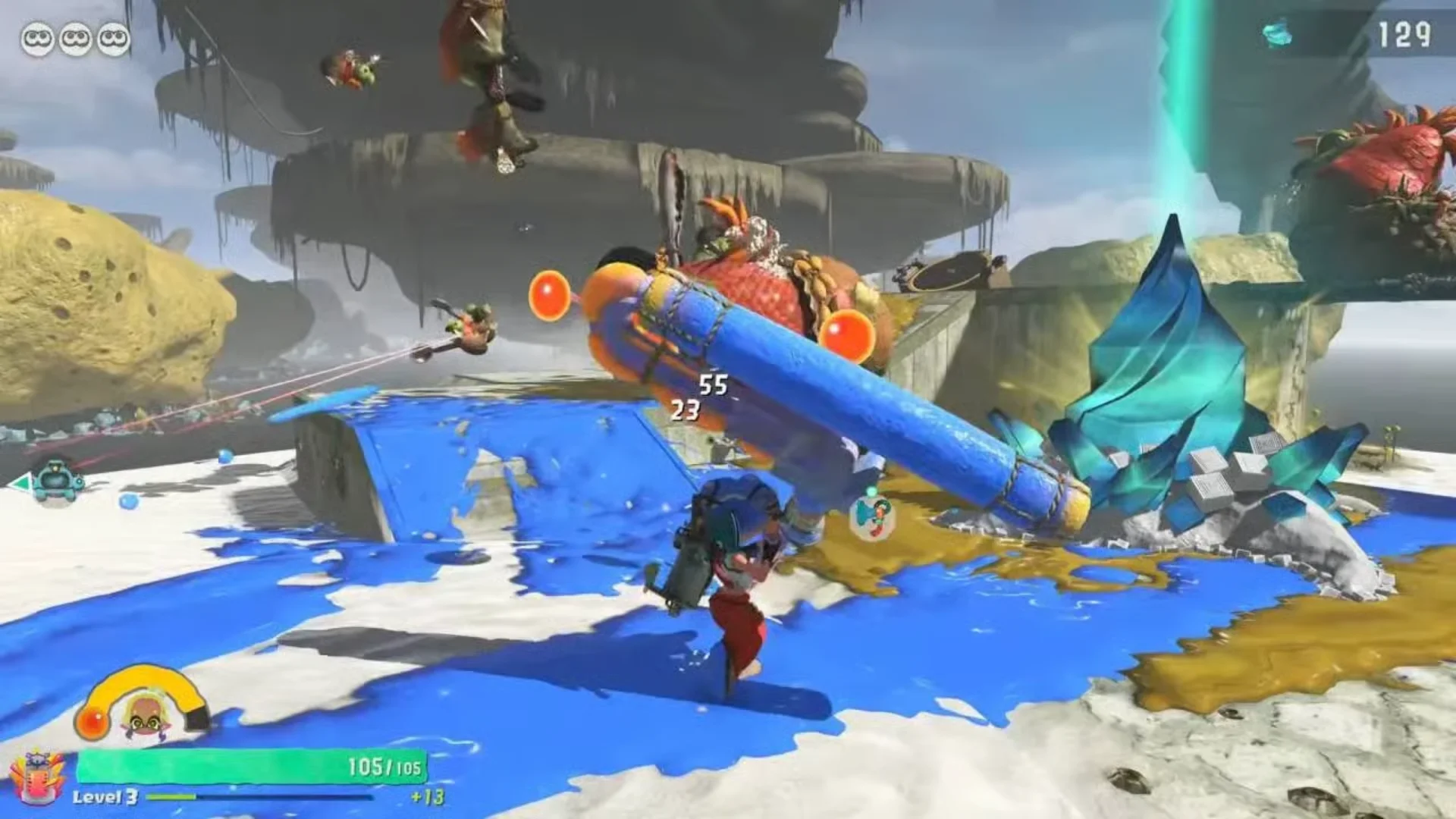
Alongside the menu change, Version 1.1.1 fixes several combat and interface problems. The Showstopper Gauge should now hide correctly after players stop pressing buttons, while Emergency Damage Up properly affects the Splatchet's Explosive Steps. A movement lock after using the Splatchet following a wall Squid Roll has also been removed.
A Fish Stick should no longer become stuck in the terrain at Soyu Cliffs, and the Exploration Bot should keep attacking Salmonids during the HOPPING arcade game. These are smaller fixes, but they should prevent annoying interruptions during repeat runs.
Nintendo also fixed a crash that could happen when players touched the swirling fog on the Switch 2 launch screen. Version 1.1.1 is available now and is required for online play. For most players, the biggest improvement will be simple: the Tank upgrade screen now responds to the same button press used throughout the rest of the menu.
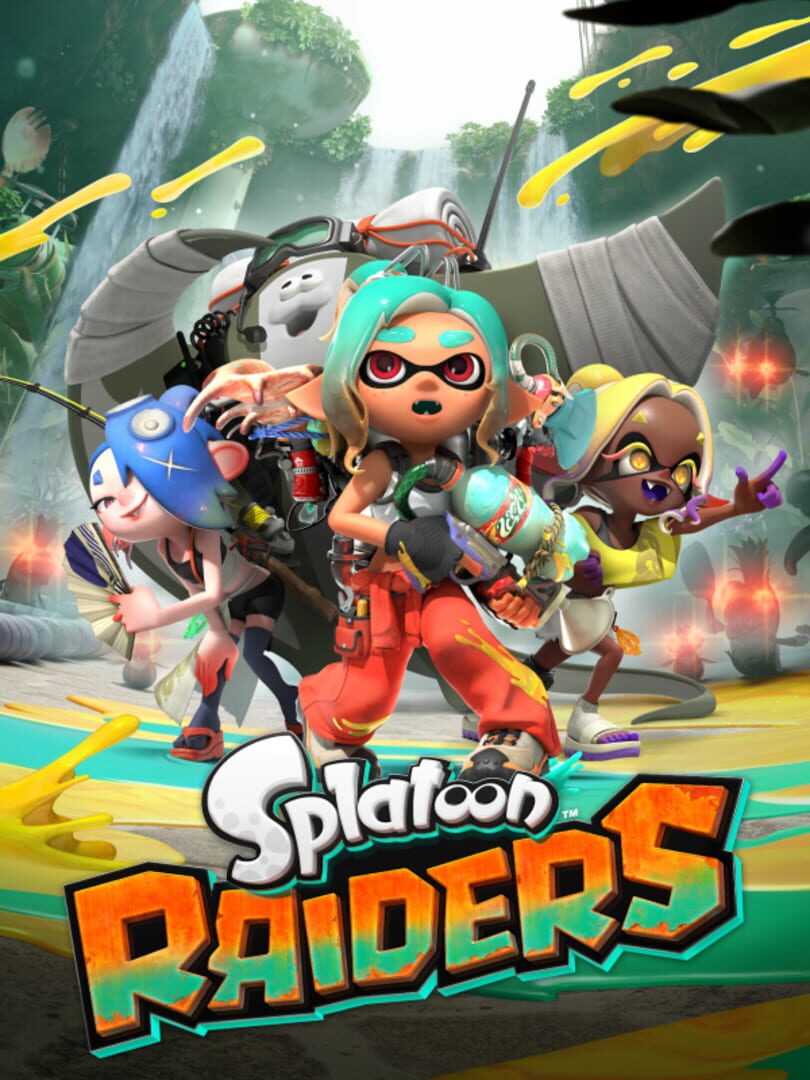
Splat scores of enemies and hunt for treasure in this single-player focused action shooter. Play as a mechanic working with Deep Cut – a trio of swashbuckling musicians – and venture out into the mysterious Spirhalite Islands! Customize your character, kit yourself out with mech
Released
July 23, 2026
Developer
Nintendo EPD Production Group No. 5
Publisher
Nintendo


Tagged In
Discussion
0We want to hear from you. Share your perspective in the comments below, and please keep the conversation respectful.
Log in to join the discussion - vote, reply, and share your take.
Log In