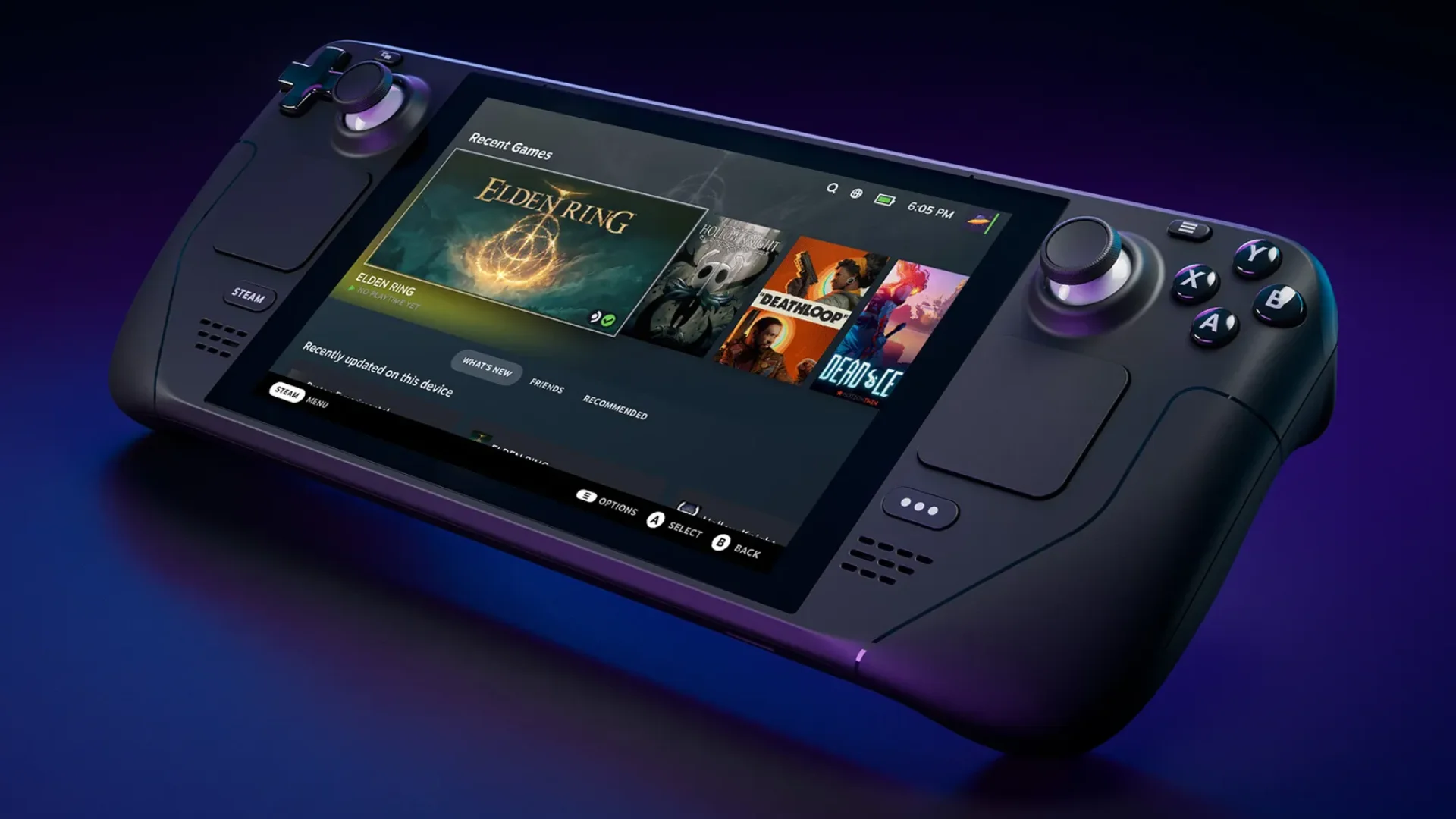
Valve adds player-reported Steam Deck frame-rate data to store pages
Valve is adding average frame-rate data from Steam Deck players to game pages on the Steam Store. The new figures come from players who opt in to sharing anonymized performance data, giving buyers a way to compare how games run on the handheld beyond Valve’s existing compatibility labels.
Valve is adding average frame-rate data from Steam Deck players to game pages on the Steam Store. The new figures come from players who opt in to sharing anonymized performance data, giving buyers a way to compare how games run on the handheld beyond Valve’s existing compatibility labels.
Store pages now include an average frame rate and an expandable histogram showing how samples are distributed across different frame rates. The data is available for thousands of games rated Verified, Playable, or Unsupported. It offers a useful real-world reference, but it is not a guarantee of what individual players are seeing.
The new numbers complement Steam Deck compatibility ratings
Valve’s Verified, Playable, and Unsupported labels are based on standardized checks for whether a game works on Steam Deck. Those checks cover factors such as controller support, readability, and whether the game’s launcher functions correctly.
The new frame-rate figures address one area that a compatibility label cannot fully describe. Two games with the same rating can run at very different speeds, while an Unsupported game may still perform well in a mode that the compatibility test does not account for. The data gives players another point of reference before buying or installing a game.
The histogram shows what an average can hide
The average frame rate is only part of the display. Players can expand a histogram to see how samples are distributed, including how many fall at lower frame rates. Those lower-end samples can indicate hitches or stuttering that a single average would smooth over.
Two games can have the same average but still offer very different experiences. One may stay close to a steady frame rate, while another alternates between higher and lower performance. The histogram gives players a better sense of consistency, although it still cannot explain every cause behind a dip.
The data comes from players who opt in
Valve says the figures use anonymized data from Steam Deck owners who have agreed to share frame-rate information. The company began prompting players to opt in, and users can change the setting in Steam’s data and browsing options.
The figures are separated by Steam Deck LCD and OLED models. Valve filters samples to devices using their default frame-rate limits, which are 60 frames per second for the LCD model and 90 for OLED. That makes comparisons more consistent across the data set, but it does not account for every setting players may use.
Custom settings can make your results different
Valve does not normalize data for custom in-game graphics settings. Players may lower resolution or visual quality, change the frame-rate cap, or adjust power settings to improve performance or battery life. Their results can therefore differ from the average shown on a store page.
Display synchronization can also affect the numbers. On the OLED model, for example, a game targeting 60 frames per second may alternate between 90 and 45 when synchronized to the screen’s refresh rate. That can create a reported average that looks less intuitive than the game’s target, even when the display behavior is working as expected.
A useful guide, not a performance guarantee
The data is strongest as a broad indication of what other Deck owners experience under a limited set of conditions. It can help players distinguish between games that run smoothly and those with more variable performance, especially when read alongside the histogram and compatibility rating.
It will be less useful as a precise prediction for a customized setup. Valve says it is exploring ways to provide frame-rate data for more devices in the future, but the current rollout focuses on Steam Deck. For now, the added measurements give buyers more evidence than a compatibility badge alone, while leaving room for individual settings and play styles to change the result.